

























































































iTax Portal: How to Apply for a PIN with No Tax Obligation
This informative guide explains, step by step, how to apply for a KRA “PIN with No Obligation” (PWO) using the iTax system. It provides a clear, straightforward procedure to help you complete your PIN application efficiently and correctly.
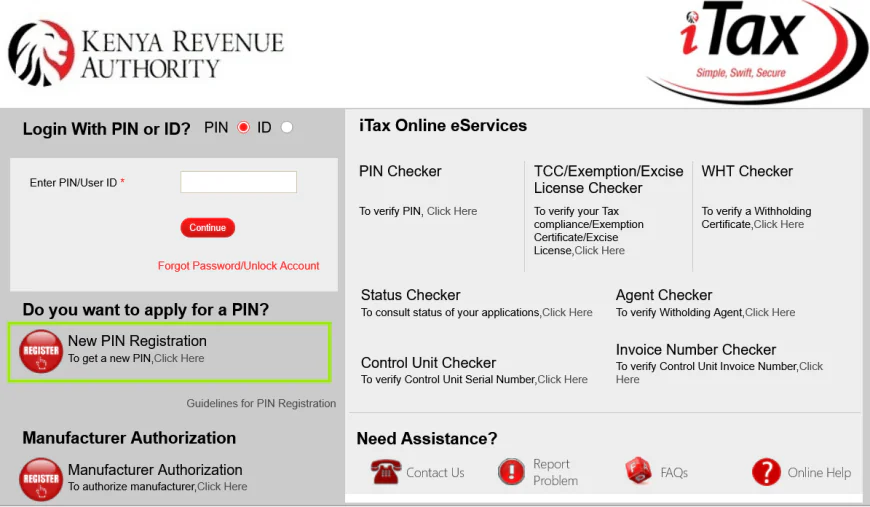
2. Taxpayer Type and Mode of Registration
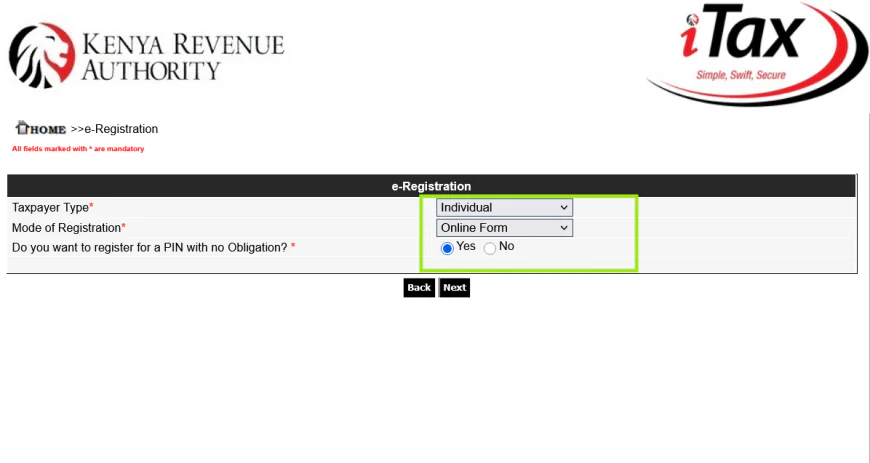
On the next page, you will see a set of drop-down menus that make your e-registration quick and straightforward.
To ensure your registration is filled up correctly, select the following options:
- Taxpayer type: Select Individual
- Mode of registration: Select Online form
- Do you want to register for a PWO: Click Yes
A pop-up titled Obligation Information will then appear. Take a moment to read through this carefully so you understand your responsibilities. Once you’ve reviewed it, simply Close the pop-up and click Next to move to the next step.
3. Fill The Registration Form with Personal Information
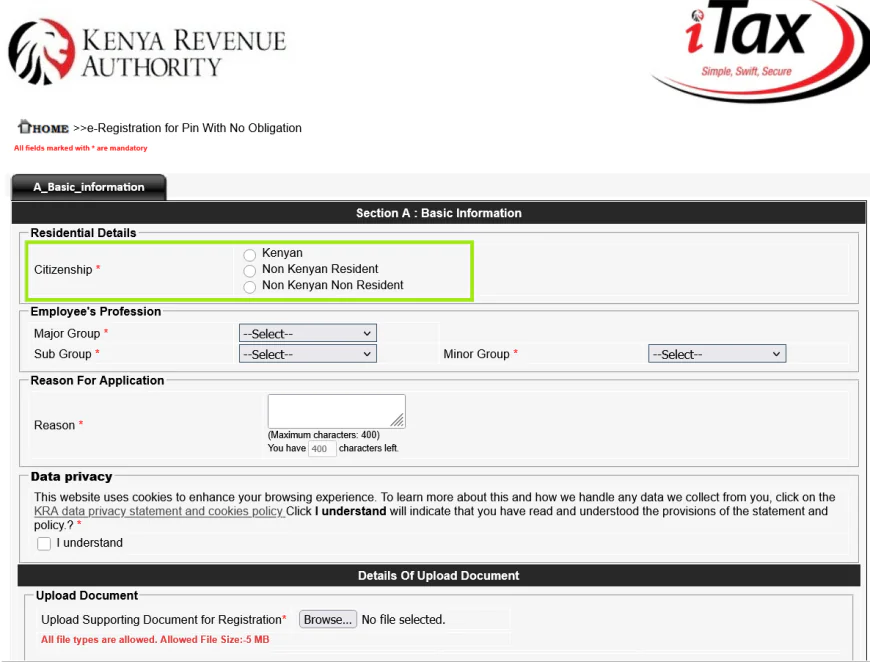
The registration form will appear, requiring you to fill in residential status, National ID, profession, physical and postal address, and contact information. Complete all fields marked with a red asterisk.
For Kenyan Citizens
- Provide National ID and Date of Birth as per ID.
- Enter profession.
- Fill in building, street, town for principal physical address.
- Enter phone number(s) for contact details.
- After entering your email, click "Send OTP" to receive a One Time Password for verification.
- State your reason for applying for a PIN and Read the data privacy clause and check the box to consent.
- Upload supporting documents.
The PIN certificate will auto-generate and a copy emailed upon completion.
For Non-Kenyan Residents
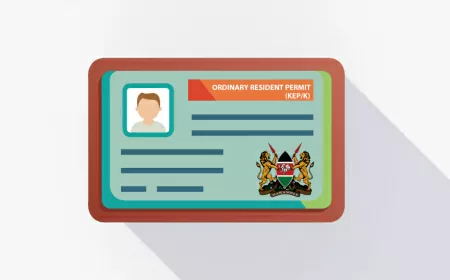
- Provide Diplomatic ID, Alien ID and Passport
- Fill in profession, individual details, passport details
- Principal physical address
- Reason for application
- Consent to data privacy statement
- Upload supporting documents
- Enter OTP from email verification then submit.
Applications are subject to approval by an authorized KRA staff assigned automatically.
For Non-Kenyan Non-Residents (Diplomats)
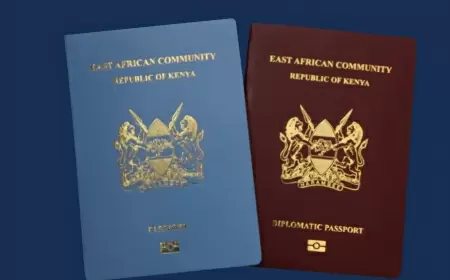
- Provide Diplomatic ID or Passport; then follow the same steps as above.
- Applications require approval by an authorized KRA Processing staff.
4. Complete the Registration and Submit for Approval
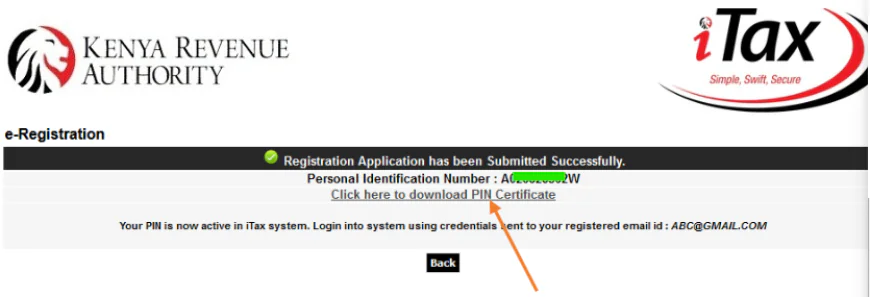
After you submit your registration, a confirmation pop-up will appear showing the registered email address.
If your application is approved, the system will send an email to your registered address containing your PIN details.
If your application is rejected, the remarks entered by the KRA processing officer will be automatically sent to your registered email.
Note: For non-residents, authorised staff must approve the application. Your application will be automatically assigned to them.
5. Useful Link
Was this information helpful ?
 Like
0
Like
0
 Dislike
0
Dislike
0
 Love
0
Love
0
 Funny
0
Funny
0
 Angry
0
Angry
0
 Sad
0
Sad
0
 Wow
0
Wow
0